The Best E-Ink Tablets for UK Buyers
Paper-like writing, weeks of battery life and zero blue-light fatigue —" my honest take on the four E Ink tablets actually worth your money this year.
 By Dan Coveney · Founder & Lead Reviewer · Updated May 27, 2026
E Ink tablets have quietly become the most useful device in my bag —" here's how the leading models stack up.
What's in this guide
- Why E Ink in 2026 (and who it isn't for)
- Onyx Boox Note Air 5C —" the all-rounder
- reMarkable Paper Pro —" the pure writer
- Kobo Elipsa 2E —" the reader's choice
- Amazon Kindle Scribe —" the power user's pick
- Head-to-head comparison
- Writing feel, software & exporting
- Who should buy what
- FAQs
Why an E Ink tablet in 2026?
If you've never written on an E Ink display, the experience is genuinely difficult to describe. There's a soft drag under the nib, no glare in sunlight, no blue light at midnight, and battery life measured in days or weeks rather than hours. For people who take meeting notes, annotate PDFs, journal, draft long-form writing or simply read a great deal, these devices have become surprisingly indispensable.
They are not, however, iPads. Refresh rates are slow by tablet standards. Colour, where present, is muted because Kaleido 3 and Gallery 3 panels achieve colour by overlaying a filter on a fundamentally monochrome substrate. Video is a non-starter on most of these slabs, and even those running open Android won't be your Netflix machine. The trade-off you accept in return is calm: a screen that won't shout at you.
UK availability is also worth a quick word. All four tablets here ship to the UK officially, with proper warranty cover and British plug adapters in the box. That hasn't always been true of niche E Ink hardware, so it's a real factor in 2026.
The shortlist at a glance
Onyx Boox Note Air 5C
10.3" Kaleido 3 colour, Android 15, 440g. The flexible all-rounder.
reMarkable Paper Pro
11.8" Gallery 3 colour, 5.1mm thin, closed ecosystem. The purist's notebook.
Kobo Elipsa 2E
10.3" Carta 1200 mono, 390g, deeply tied to the Kobo bookstore.
Amazon Kindle Scribe
10.3" Kaleido 3, 2.8GHz octa-core, 16MP camera, keyboard support.
Onyx Boox Note Air 5C —" the everyday all-rounder
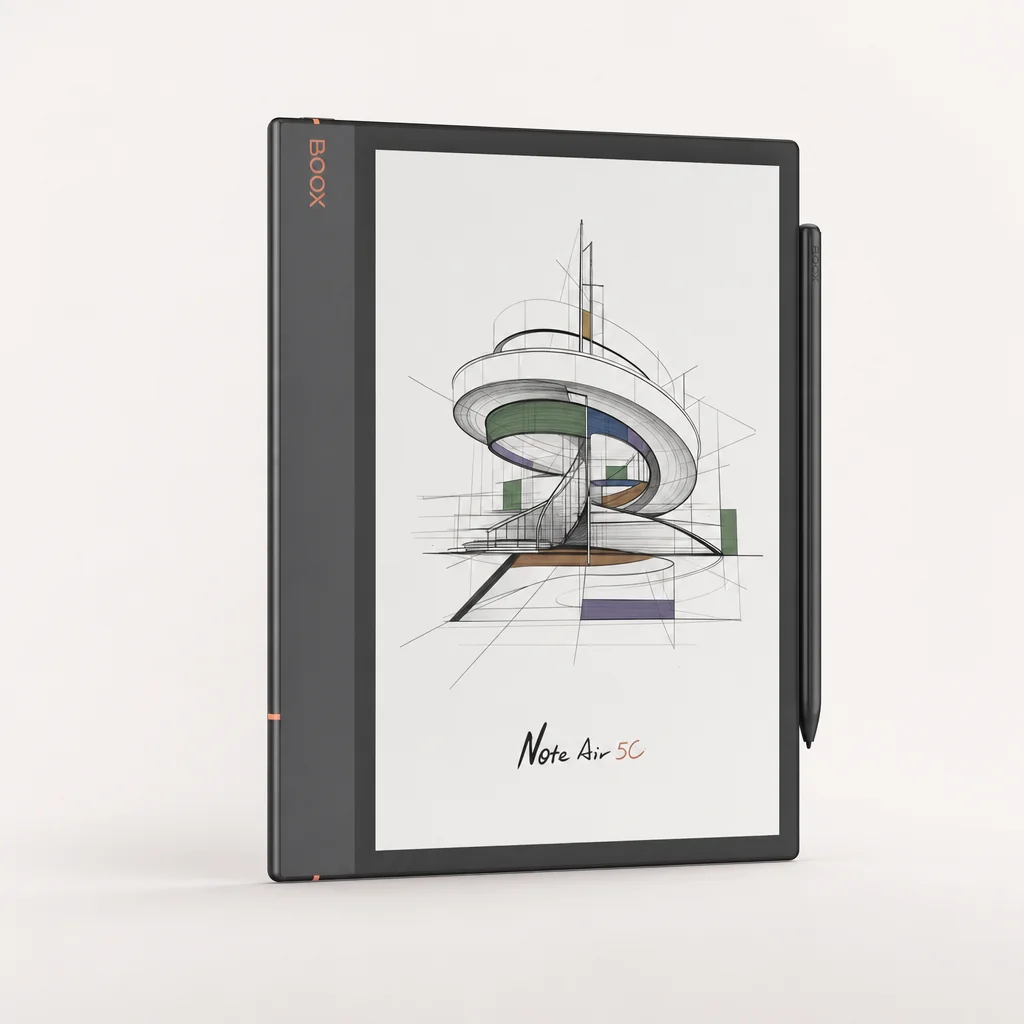
See Onyx Boox Note Air 5C —" the everyday all-rounder on Amazon UK
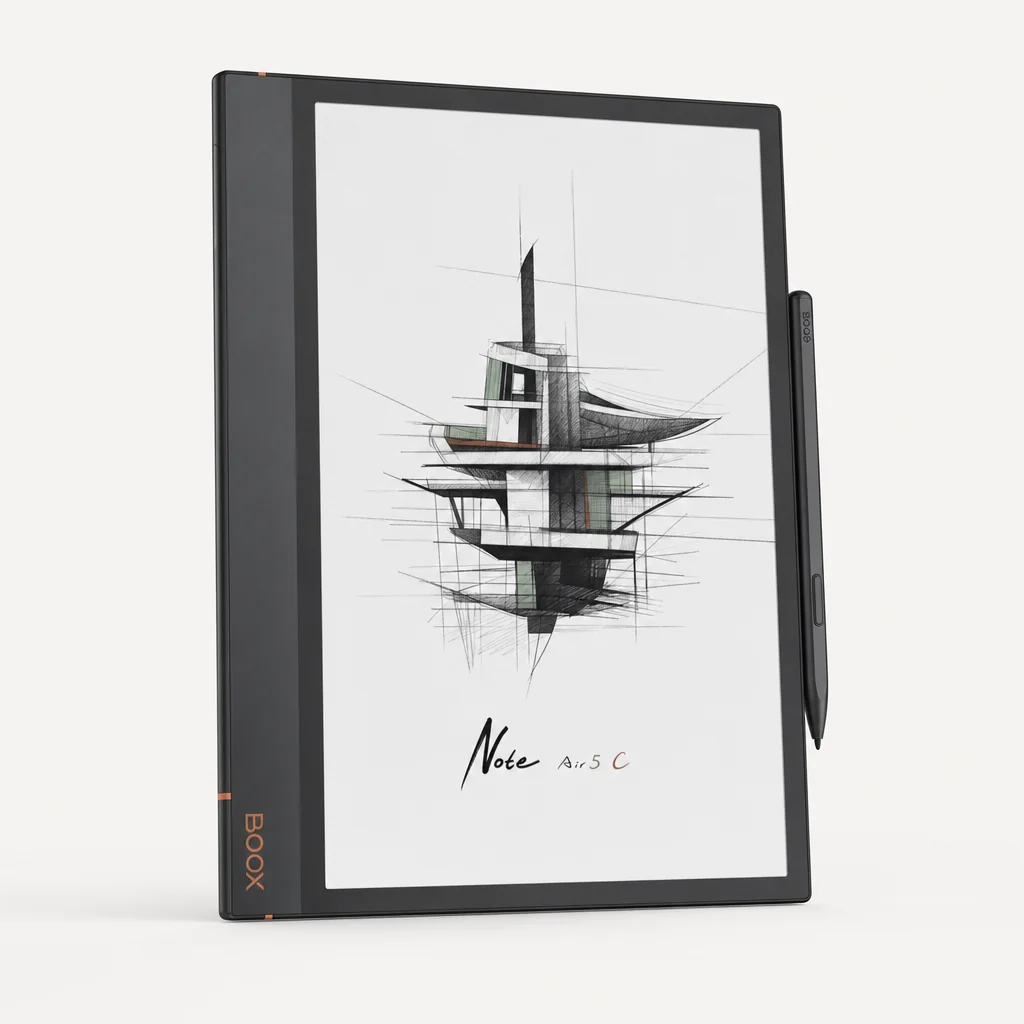
If you asked me which one I actually reach for on a weekday morning, it's the Note Air 5C. The 2025 refresh is, on paper, a modest bump over the 4C —" same chassis, same Kaleido 3 panel, same 440g weight —" but the move to Android 15 makes a real difference if you intend to sideload third-party apps, and the new keyboard cover finally gives it a credible "write a 2,000-word document on the train" mode.
The Note Air 5C's Kaleido 3 panel renders 4,096 colours at 150 PPI, ideal for highlighters, mind maps and PDF annotation.
What matters in daily use? Writing latency is excellent thanks to BSR (Boox's super-refresh tech), the Pen3 has a satisfying friction against the matte glass, and because it runs full Android you can drop Notion, Outlook, Kindle, OneNote or Drive onto it without faffing about. The frontlight has both warm and cool LEDs (Onyx calls this CTM), so the device is genuinely usable at 11pm without your retinas filing a complaint.
In my own testing, Onyx's quoted runtime figures hold up reasonably well: I get about six hours of continuous handwriting with the frontlight on, around 30 hours of pure reading with it off, and roughly four days of mixed-bag use before I have to find a USB-C cable. File transfers off the device run at a comfortably brisk 230 MB/s, which matters more than you'd think when you're shifting a year of meeting PDFs.
Pros
- Open Android 15 —" sideload anything
- Lovely Kaleido 3 colour for annotation
- Light at 440g for a 10.3" device
- microSD expansion (rare in this class)
- Excellent EMR stylus, no charging needed
Cons
- Colour resolution drops to 150 PPI
- No 3.5mm headphone jack
- Stock note app is good, not great
- Android E Ink optimisation varies by app
reMarkable Paper Pro —" the writer's writer
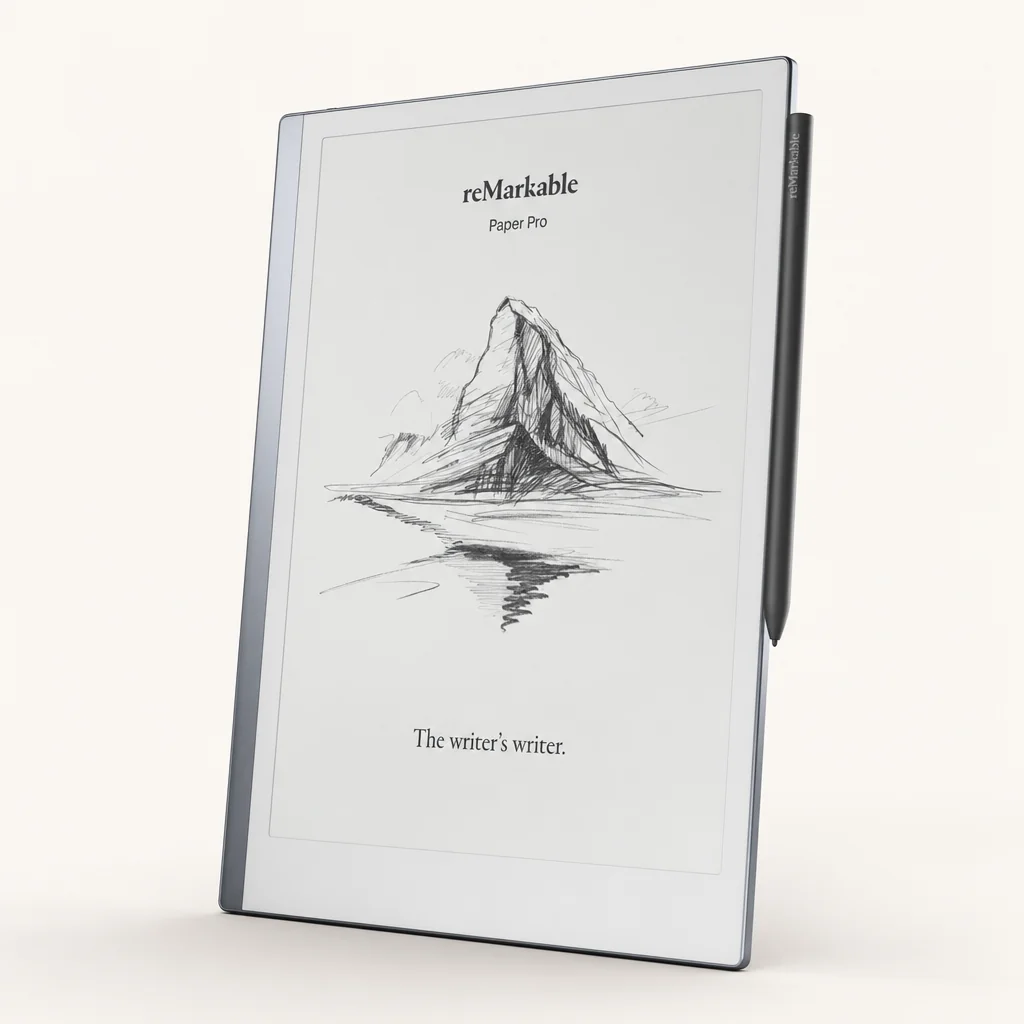
The Paper Pro is the device I recommend most often to people who say "I just want it to feel like paper." It's also the device I recommend least often to people who say "I want it to do everything." Those two sentences tell you everything you need to know about reMarkable's philosophy.
At 5.1mm thick, the reMarkable Paper Pro is the slimmest serious notebook tablet you can buy.
The hardware is genuinely beautiful. An 11.8-inch Gallery 3 colour display at 216 × 620 (229 PPI), an all-aluminium chassis with a grooved finish for grip, and a thickness of just 5.1mm. It is the first reMarkable tablet to ship with a front-light, which means it has finally escaped the "useless after sundown" criticism that haunted the reMarkable 2. Pen-to-ink latency is rated at 12ms, and that 12ms feels exactly as quick as it sounds —" letters appear under the nib, not behind it.
The stylus story is interesting. Unlike most of its competitors, reMarkable doesn't use a Wacom EMR layer. Its own pen is battery-powered and wirelessly recharges magnetically when you dock it to the side of the tablet. In practice you basically never notice —" it's always charged —" but it does mean third-party Wacom pens are not an option here.
The catch, and it is a real one, is the software. There are no third-party apps. There is no web browser, despite the tablet being online. Cloud storage, handwriting search and AI features sit behind the optional Connect subscription, although a 50-day free trial is included so you can decide whether it's worth it. reMarkable have built what they call a Codex ecosystem —" closed, deliberate, distraction-free. For some people that's the killer feature. For others, the inability to install Kindle or Outlook is a deal-breaker.
The reMarkable mindset
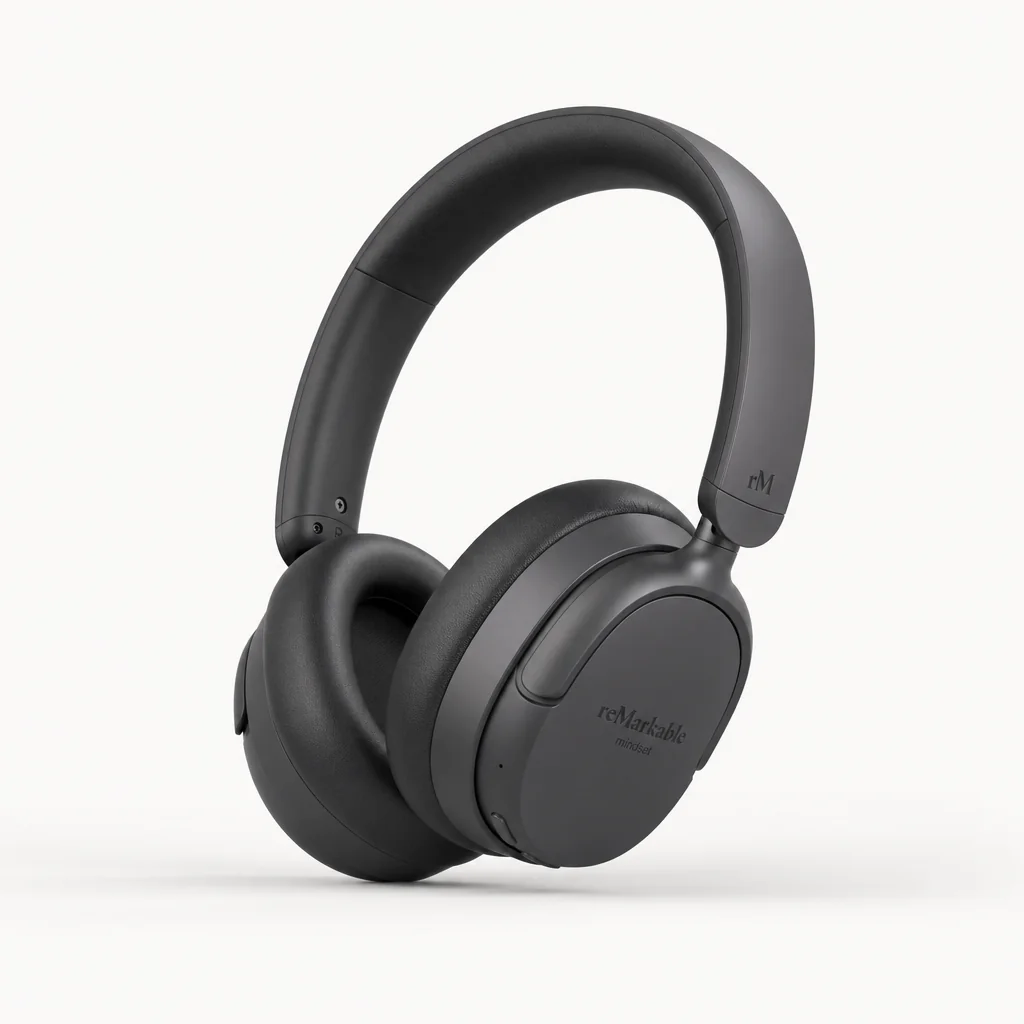
Buy the Paper Pro if you want a device that refuses to be a tablet. The whole appeal is that it doesn't ping, doesn't notify, and doesn't tempt you into a five-minute YouTube break. That's also why people who try to use it as a do-everything device end up frustrated.
Pros
- Best writing feel I've ever used on a tablet
- Stunning 11.8" Gallery 3 colour panel
- First reMarkable with a proper frontlight
- Astonishingly thin and well-built
- Up to two weeks battery on light use
Cons
- No third-party apps, ever
- Best features sit behind Connect subscription
- Proprietary stylus only
- No browser despite Wi-Fi
Kobo Elipsa 2E —" the reader who also takes notes
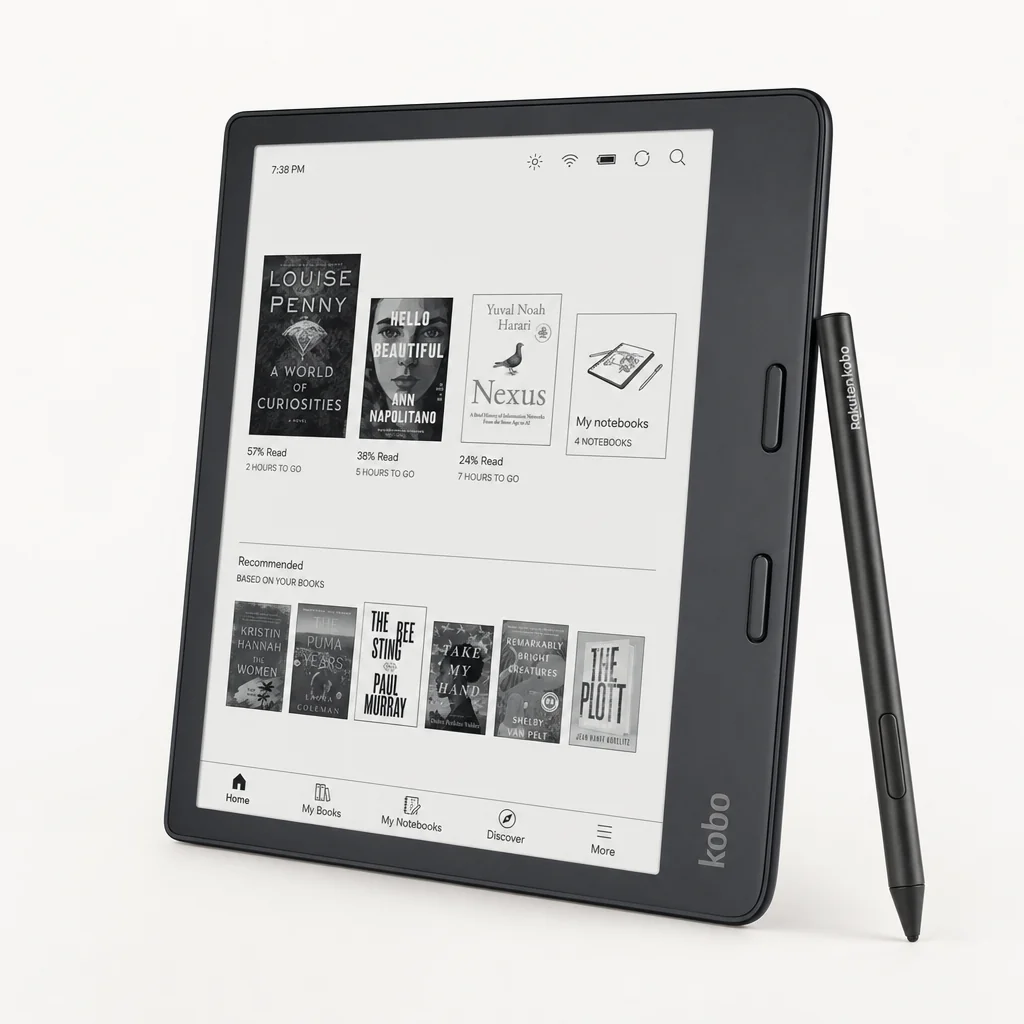
The Elipsa 2E is the one I quietly nudge friends and family towards when they say they want to read more, take a few notes in the margins, and aren't fussed about Android tinkering. At 390g it's the lightest of the four, and Kobo's closed firmware is, perversely, part of the appeal: it does what it does very well, and then it gets out of your way.
Lightweight at 390g and built from 85% recycled plastic —" the Elipsa 2E is the most "grab and go" option here.
The Carta 1200 panel is sharp, contrasty and lovely for long reading sessions. ComfortLight PRO adjusts both brightness and colour temperature, so you can shift to a warmer amber tone in the evening without effort. Crucially, this is the only tablet here with proper, native integration with the Kobo bookstore, OverDrive library lending, and Pocket for saved web articles. If you already own a stack of Kobo titles, this is functionally the only choice on the list.
The Stylus 2 has had a quiet but genuine upgrade —" it's lighter, ergonomically shaped, charges via USB-C, and has dedicated eraser and highlighter buttons. Note-taking uses MyScript's handwriting engine for conversion to typed text, and it's accurate enough for shopping lists and journal entries, less so for shorthand scrawls. Files export to Dropbox and Google Drive natively, which covers most people's workflow.
Limitations are honest. The screen is monochrome, so highlighters appear grey. There are no speakers —" Bluetooth headphones only for audiobooks. And the closed OS means no Kindle app, no Outlook, no Notion. If that's a problem, this isn't your tablet.
The Elipsa 2E is the only tablet here with native UK library lending support via OverDrive —" you can borrow ebooks straight from your local library card without a workaround.
Pros
- Lightest tablet here at 390g
- Brilliant Carta 1200 reading experience
- Kobo store and OverDrive built in
- MyScript handwriting-to-text conversion
- Wi-Fi 6 and Bluetooth audio support
Cons
- Monochrome only
- Closed OS —" no third-party apps
- No internal speakers
- Plastic build feels less premium
Amazon Kindle Scribe — the mainstream all-in-one
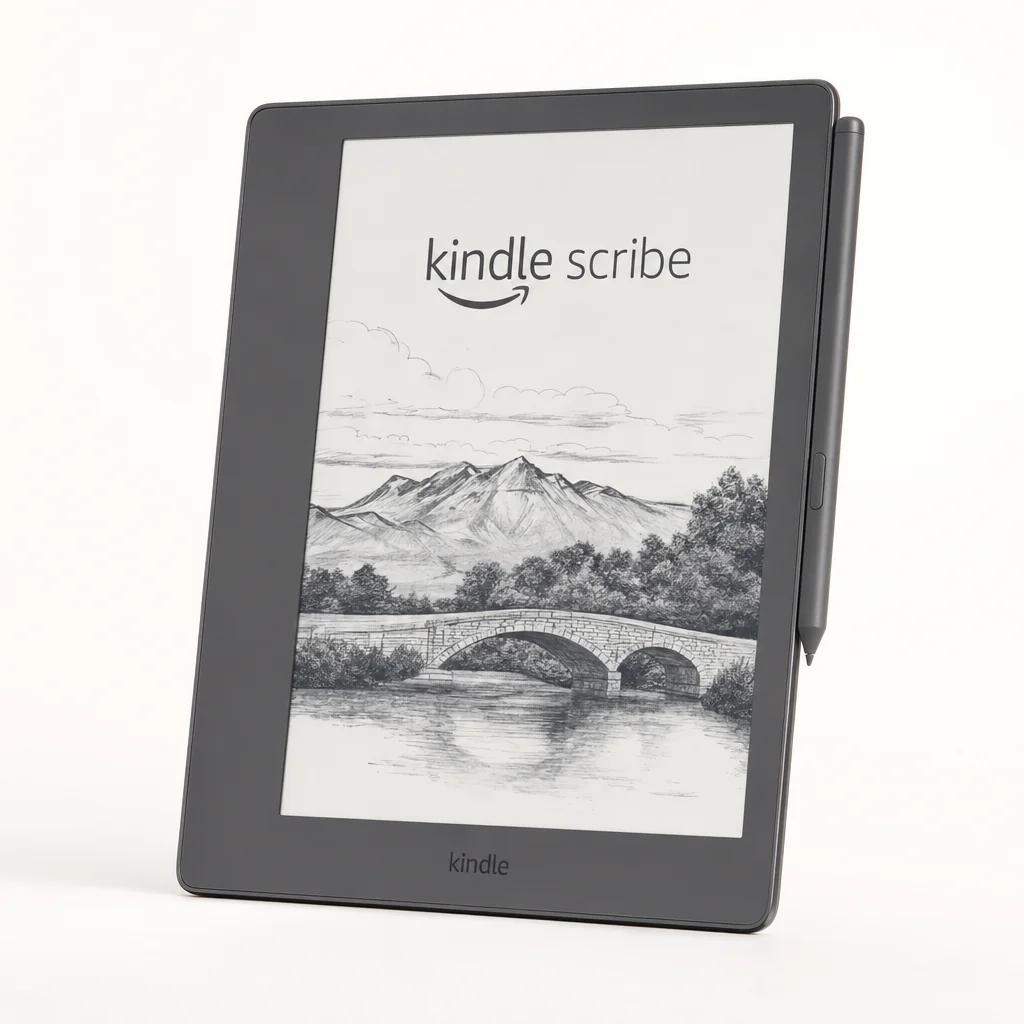
The Kindle Scribe — by far the most-bought e-ink tablet in the UK. If you already buy on Amazon, the integration is the whole point.
The Kindle Scribe is the most-mentioned e-ink tablet for one obvious reason: if your reading life already lives in Kindle, it lets you read your entire library AND take notes on the same device, with paper-like feel and weeks of battery life. The 2024 refresh added active eraser support, AI-assisted note summarisation, and side-by-side notes alongside the book you're reading — a meaningful upgrade over the awkward "Sticky Notes" approach the first-gen used.
The Scribe's biggest advantage is ecosystem. Highlights, notes and bookmarks sync to your Kindle apps across phone and PC. Send to Kindle lets you email any PDF (a paper, a recipe, a contract) straight to the device for annotation. The flat-front display with the even backlight is the cleanest in this lineup for night-time reading — and the writing experience on the matte coating is now genuinely good, even if it's not quite reMarkable Paper Pro paper-like.
The compromises are real. Notes export by email as PDFs — there's no native Google Drive / OneDrive sync like Boox or Elipsa offer. The screen is mono only (no colour, unlike the Note Air 5C), and you're locked to Amazon's bookstore for native purchases. But for the very large group of UK buyers who already read on Kindle and want one device that does both reading and notes well, nothing else in this lineup makes more sense.
Pros
- Best-in-class Kindle reading experience
- Battery measured in weeks, not days
- Send to Kindle handles PDFs cleanly
- 2024 AI note-summarisation + active eraser
- From £349 — most affordable serious e-ink tablet here
Cons
- Note export by email only — no OneDrive / Drive sync
- Writing feel less paper-like than reMarkable Paper Pro
- Locked to Amazon's bookstore for native purchases
- Mono display only — no colour
See Amazon Kindle Scribe on Amazon UK
Head-to-head: how they compare
| Feature | Boox Note Air 5C | reMarkable Paper Pro | Kobo Elipsa 2E | Amazon Kindle Scribe |
|---|---|---|---|---|
| Display size | 10.3" | 11.8" | 10.3" | 10.3" |
| Panel type | Kaleido 3 colour | Gallery 3 colour | Carta 1200 mono | Carta HD mono |
| Resolution (mono) | 248 × 860 | 216 × 620 | 140 × 872 | 248 × 860 |
| Weight | 440 g | — | 390 g | 450 g |
| OS | Android 15 (open) | Codex (closed) | Kobo (closed) | Kindle OS (closed) |
| Third-party apps | Yes | No | No | Yes |
| Stylus tech | Wacom EMR | Proprietary, charged | Kobo Stylus 2 | Basic / Premium |
| Frontlight | Yes, warm + cool | Yes | ComfortLight PRO | Yes |
| Storage | 64 GB + microSD | Cloud-tied | 32 GB | 16 / 32 / 64 GB |
| Best for | All-rounder | Pure writing | Reading + light notes | Kindle ecosystem |
Four very different philosophies in one product category —" the right choice depends entirely on whether you want a notebook, a reader, or a quiet computer.
Writing feel: which actually feels best?
This is the question I get asked more than any other, and the honest answer is: they're all good, but they're good in different ways. Let me rank them by feel, then explain.
reMarkable Paper Pro is the closest to actual paper. The 12ms latency, the slight friction of the Gallery 3 panel, and the weighted feel of the magnetic pen combine into something I genuinely look forward to using. If writing feel is your top priority, this is the device.
Boox Note Air 5C sits just behind reMarkable on writing feel. The EMR stylus glides slightly more than reMarkable's pen, the friction is gentler, and lefties (I am one) find the palm rejection slightly more reliable here. It's not quite as paper-like as the Paper Pro, but the difference is small enough that most people wouldn't notice in a blind test.
Kobo Elipsa 2E is competent rather than transcendent. The Stylus 2 is a solid pen, ergonomically improved over its predecessor, but the surface is slightly smoother and you do feel it. For margin notes and short bursts of writing, it's fine. For pages of long-form journalling, the other three pull ahead.
Software and exporting —" the part nobody talks about
This is where the differences really bite, and where I'd urge you to spend the most time thinking before buying.
Boox (Note Air 5C & Kindle Scribe)
Full Android with Play Store. Drop in Kindle, Notion, Outlook, OneNote, Drive, Dropbox. Export as PDF, PNG or to cloud services natively.
reMarkable Paper Pro
Closed ecosystem. Sync via the reMarkable app on phone/desktop, integrations with Dropbox, Google Drive and OneDrive sit behind the Connect subscription.
Kobo Elipsa 2E
Closed Kobo OS. Notes export to Dropbox and Google Drive natively. MyScript engine handles handwriting-to-text conversion in the background.
Subscription costs
Only reMarkable has a paid tier (Connect). All others offer their core sync features for free, although Boox cloud has size limits.
A practical exporting tip
If you live in Notion, Obsidian or OneNote, the two Boox tablets are dramatically more convenient because you can simply install the app and sync. With reMarkable and Kobo you'll typically export a PDF to cloud storage, then import that PDF into your notes app of choice —" workable, but more steps.
Ratings round-up
Onyx Boox Note Air 5C
See Onyx Boox Note Air 5C on Amazon UK
reMarkable Paper Pro
Kobo Elipsa 2E
Amazon Kindle Scribe
Who should buy what?
The busy professional
Boox Note Air 5C. You want Outlook, Notion or OneNote on the screen, you want to annotate PDFs, and you want it to last days, not hours.
The novelist or journaller
reMarkable Paper Pro. No notifications, no temptation, the best writing surface money buys. Worth the closed ecosystem if writing is your craft.
The avid reader
Kobo Elipsa 2E. Library lending, the Kobo store, weeks of battery, and a stylus for occasional margin notes. Lightest of the lot.
The power user
Amazon Kindle Scribe. Keyboard, trackpad, 16MP scanner camera, Snapdragon 855. The closest thing to an E Ink laptop replacement.
Where to buy in the UK
All four tablets are available through their respective UK channels and via Amazon UK. Bundles —" pens, folios, keyboard covers —" change frequently, and the right combination often shifts the value calculation significantly. I'd recommend checking current bundle pricing before committing, because the bare tablet price and the "as you'll actually use it" price can differ by a fair margin once you add a stylus, sleeve and —" for the Kindle Scribe —" the keyboard cover.
Check the latest price and any current bundles on Amazon UK before you commit —" particularly for the Boox models, where pen and folio bundles fluctuate week to week.
Frequently asked questions
The verdict
My picks, in plain English
If you want one device that does almost everything: the Onyx Boox Note Air 5C. Android 15, colour Kaleido 3, sensible weight, four-day battery, and the freedom to install whatever app you need. It's the most flexible E Ink tablet on sale.
If writing is sacred to you: the reMarkable Paper Pro. Nothing else feels this good under a pen, and the closed ecosystem is a feature, not a bug, for the right person.
If you mostly read: the Kobo Elipsa 2E. Lightest, best library integration in the UK, weeks of battery, lovely Carta 1200 panel for long sessions.
If you want maximum power: the Amazon Kindle Scribe. Snapdragon 855, keyboard, trackpad, 16MP camera with OCR. A genuine laptop alternative if you can live with the battery hit.
Whichever you choose, the broader point stands: E Ink tablets in 2026 are no longer a curiosity. They're a category, and a mature one. Pick the philosophy that matches how you actually work, not the spec sheet that looks most exciting, and you'll get on with whichever you buy. That's the rare luxury of a market this good.